Who OrderPad is for
OrderPad is built for waitstaff at club festivals, fairs, festivals, clubhouses,
canteens and similar events — anywhere there's no legal requirement to record and tax
every sold item individually through a registered cash register. It's tailored to
exactly that use case: fast, simple, no training required, ideal for helpers working
just a single event or season.
What OrderPad can do
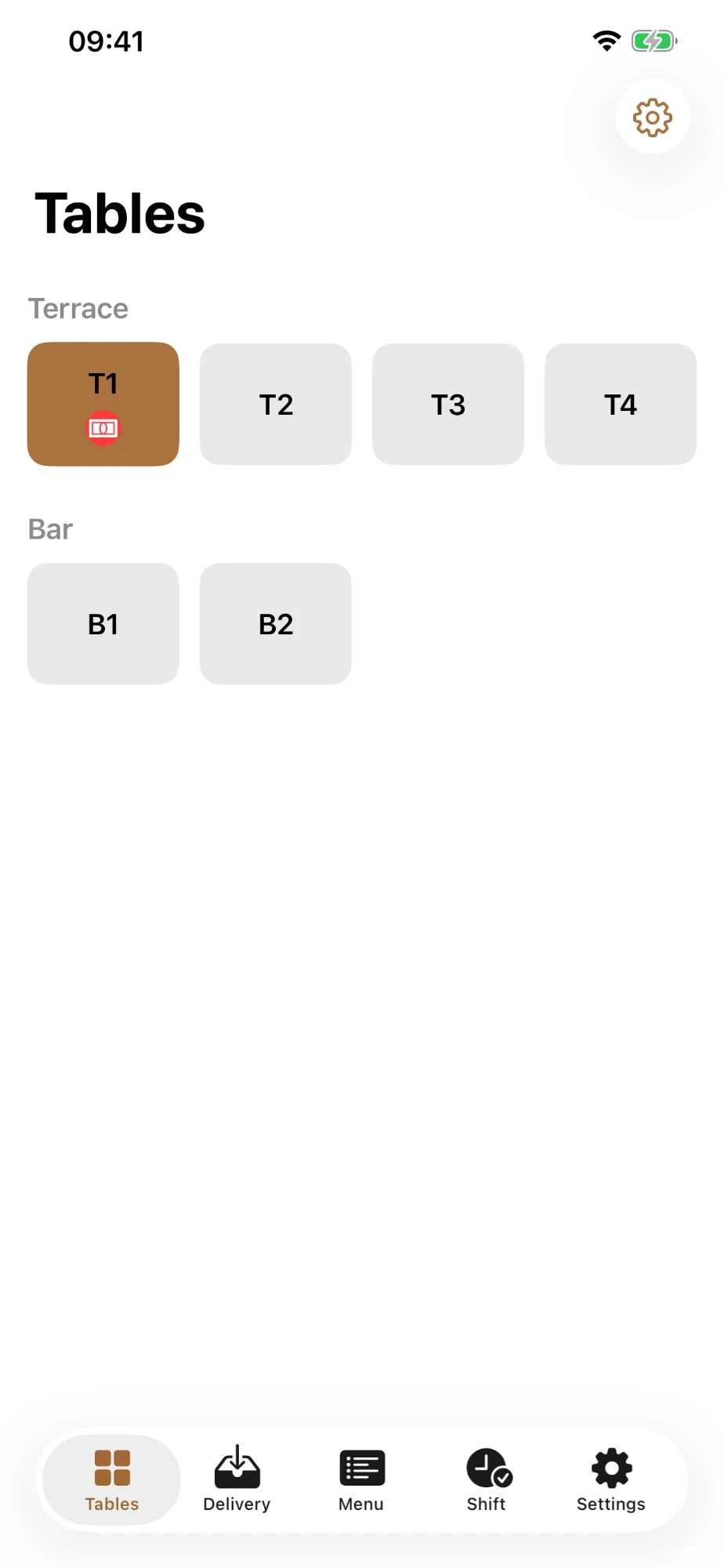
- Manage tables and areas (terrace, bar, tent, ...) in a clear list, with status visible at a glance: free, open, bill requested, paid.
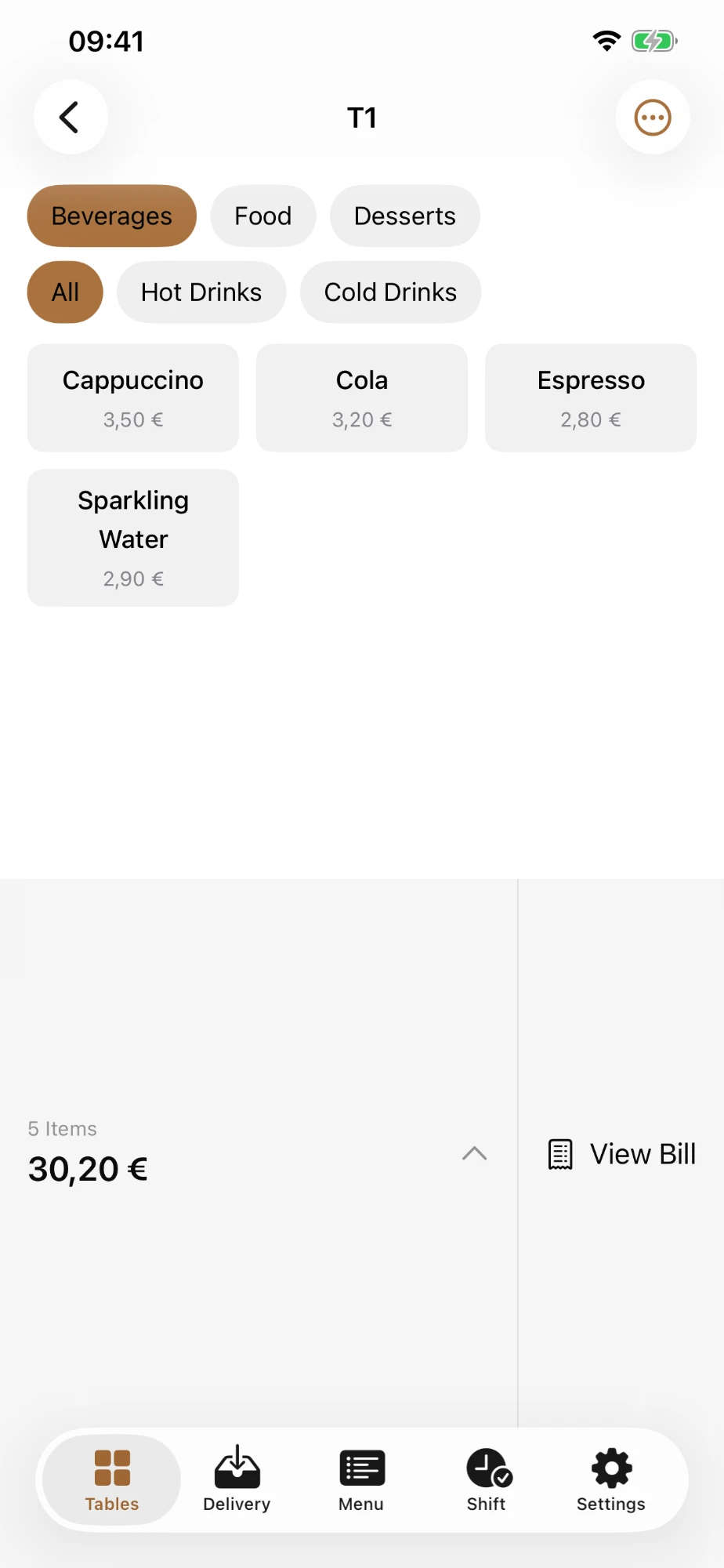
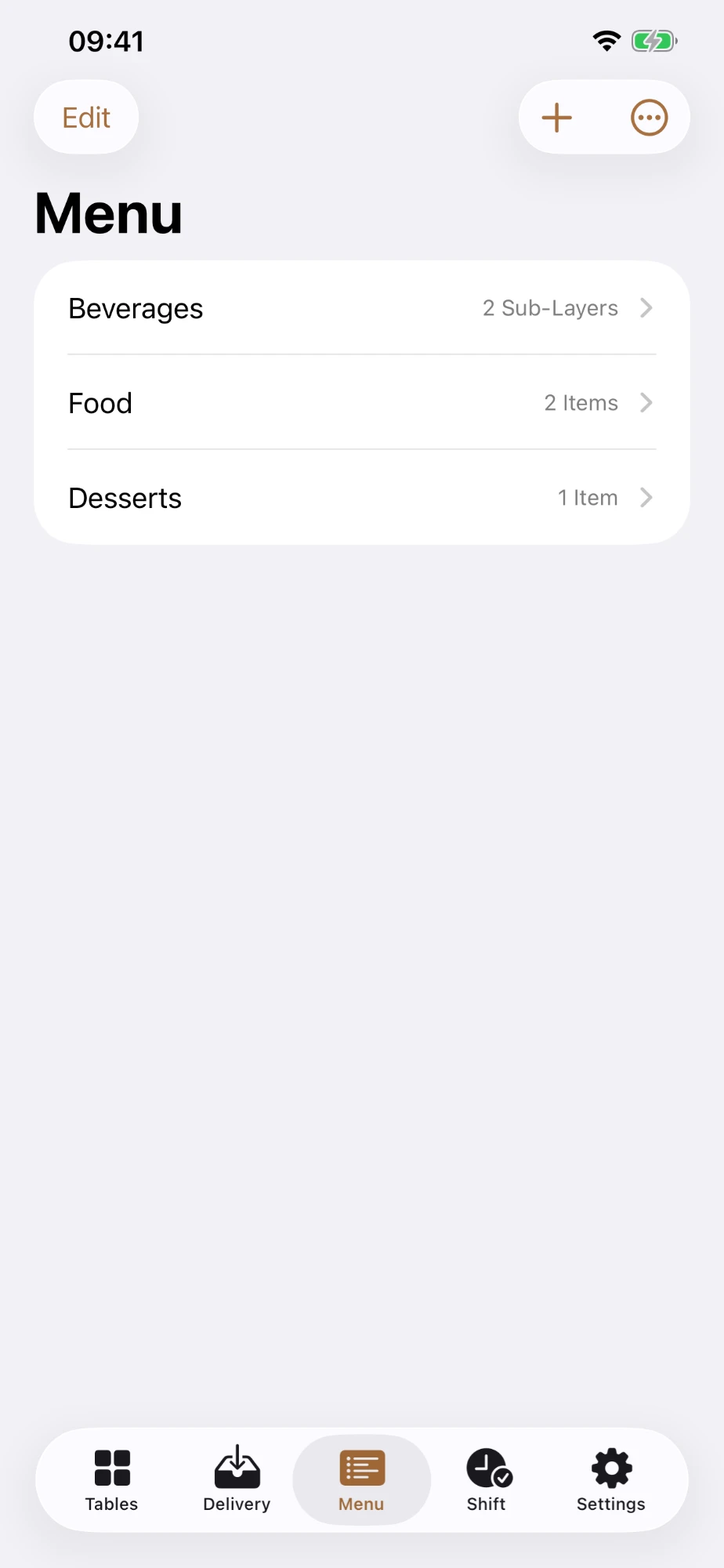
- Take orders through a configurable, multi-level menu with large buttons and few taps per item, plus an optional note for each item.
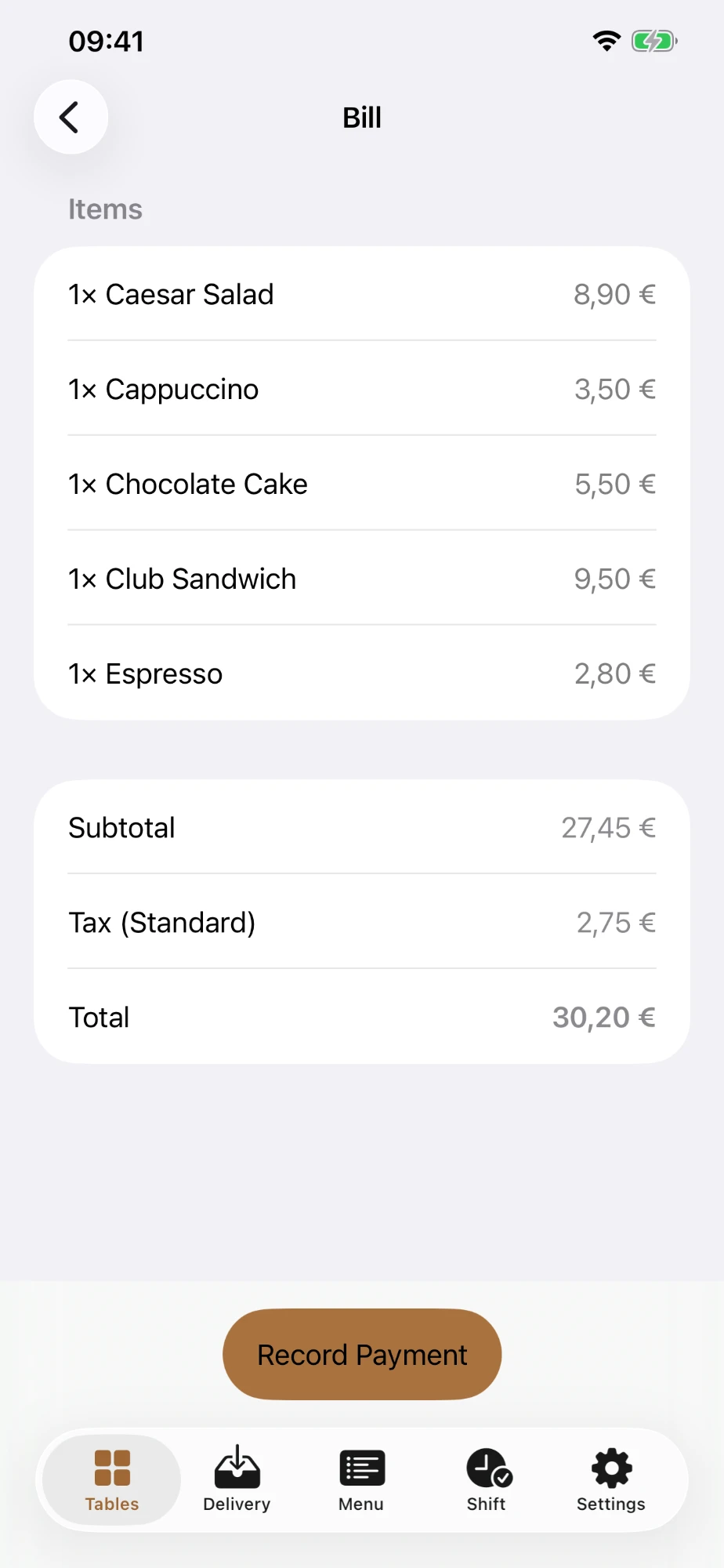
- Always shows the right total — a running subtotal across multiple rounds per table, calculated automatically with no mental math and no errors.
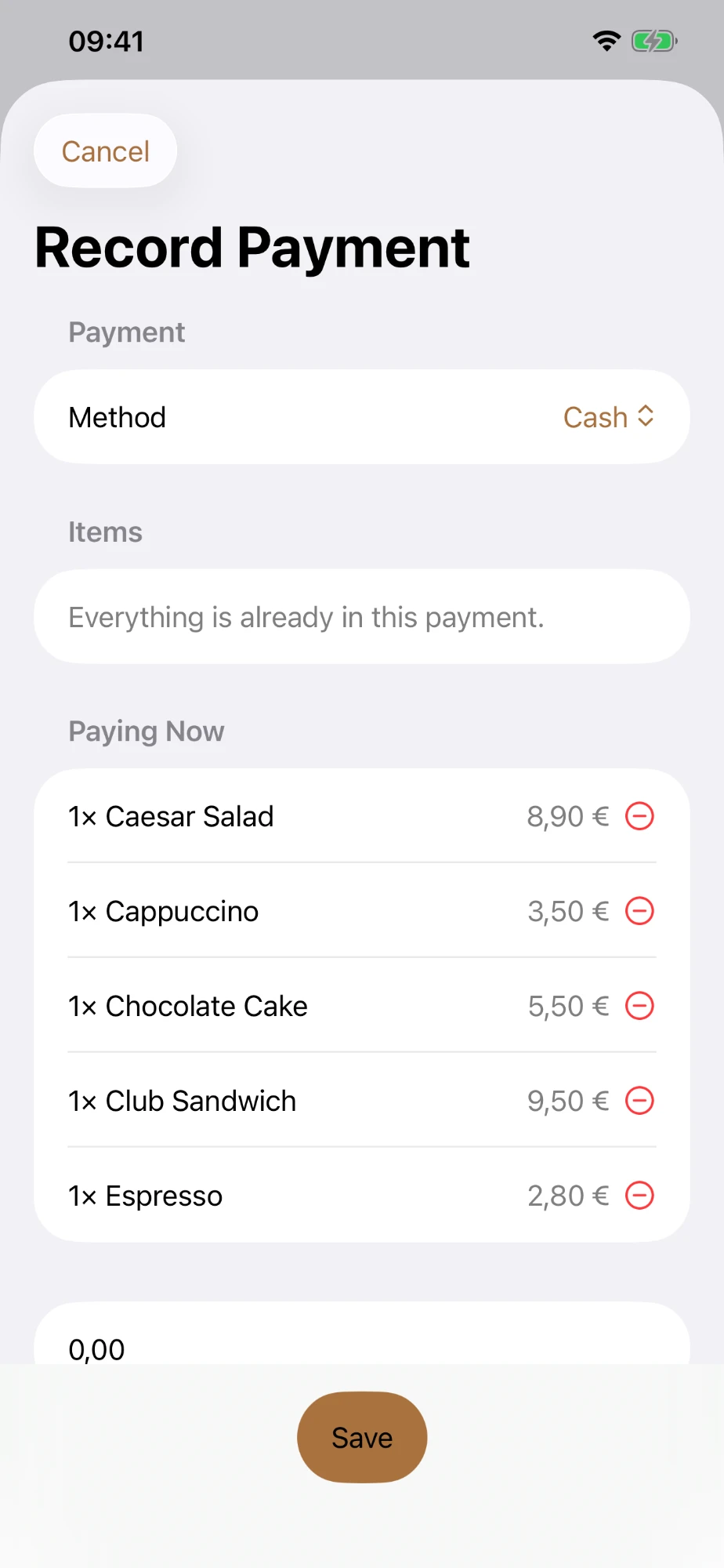
- Take payment flexibly, with partial and split payments across multiple payment methods and multiple rounds.
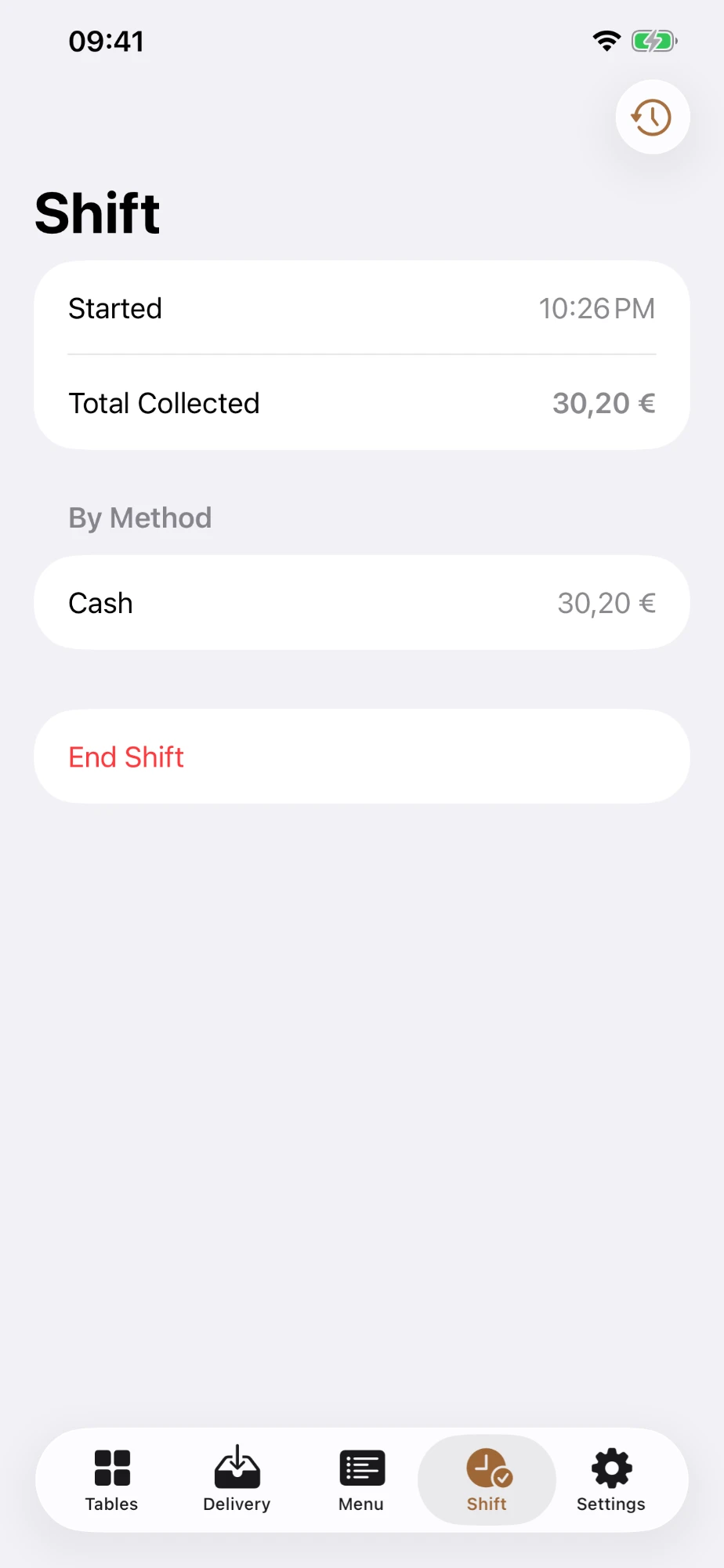
- Close out a shift with one tap and get an automatic report of totals by payment method, exportable as PDF or CSV.
- Runs fully offline — no internet connection, no account, no cloud required, with optional backup to iCloud or Google Drive.
- Speaks your language — including German, English, Dutch, Croatian, Serbian, Hungarian, Italian, French, Spanish, Slovenian, Czech and Slovak.
- Works as a native app on iPhone and Android phones and tablets, usable one-handed and readable in bright sun or in the dark.
Why OrderPad?
Anyone volunteering or filling in at a club festival, tent party or club event rarely
has time for a complicated system — but just as little patience for miscalculated
totals, illegible slips or lost orders. OrderPad takes exactly that pressure off: as
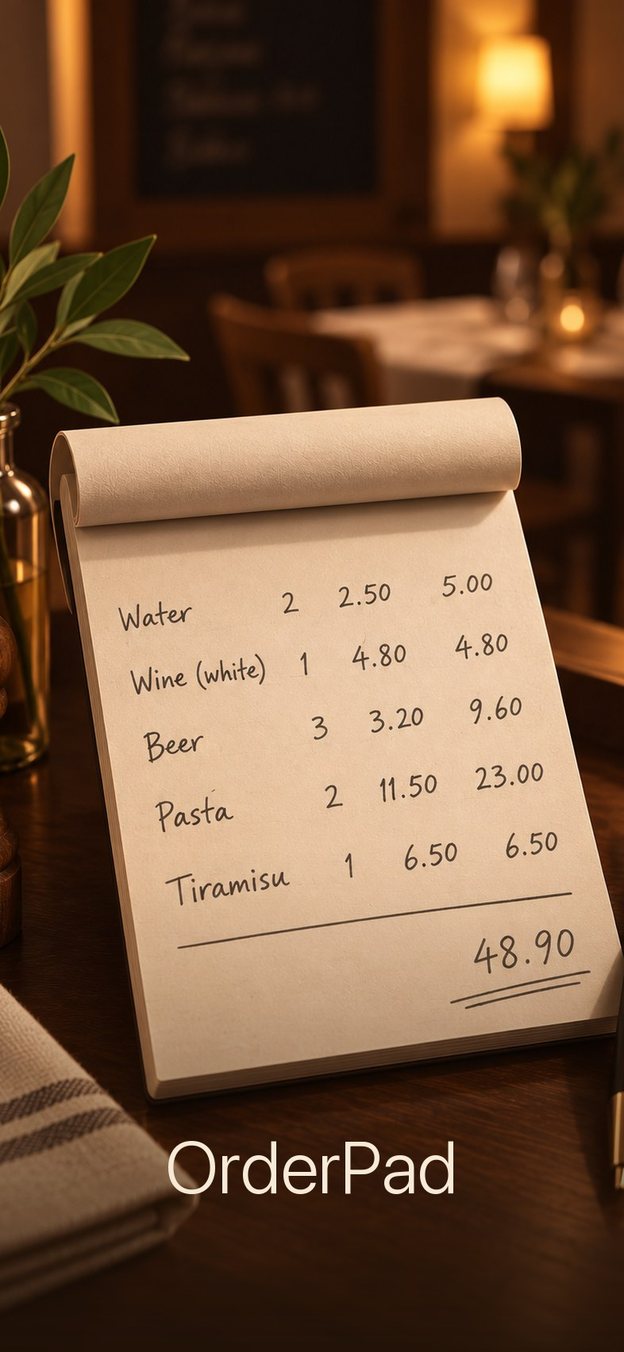
easy to use as the good old order pad, but with correct totals and a clean overview at
the end of the shift.
Kitchen & bar tickets — optional
Orders can go straight from the waiter's phone to the kitchen, the bar or a printer, and the waiter gets an alert the moment they are ready — fully offline, on your own Wi-Fi. For this, one tablet or phone becomes a station; every other device pairs with it once by scanning a QR code.
What is free, what is paid
OrderPad is free, and so is every waiter device — with or without a station. Only hosting a station is a one-time in-app purchase on the App Store and Google Play: no subscription, no account, no server. The first 10 order tickets are free so you can try it out; after that the station asks for the purchase, and it then keeps working offline. Devices that only send tickets to a station never pay anything.
On the station — one-time purchase
- Kitchen & bar stations — any tablet or phone shows the incoming tickets (table, area, items with notes, time since sent). Staff tap Done when the order is ready.
- Tickets on a receipt printer — print every ticket on an ESC/POS thermal printer: over Wi-Fi/LAN, or over Bluetooth (Android: classic and LE; iPhone and iPad: LE). 58 or 80 mm paper, a “Find Printers” search so you don't type addresses, a test ticket, and Reprint. Tickets are printed as an image, so umlauts, accents and the Euro sign come out right in every language. If the printer is out of paper, its cover is open or it is offline, the station says so.
- Pair once with a QR code — tickets travel directly over your local network: no server, no internet, no account.
- Cancellation tickets — voiding an item that was already sent tells every destination that received it.
On every waiter device — free, once a station is paired
- Send to Kitchen & routing by menu layer — drinks to the bar, food to the kitchen: sending a round creates one ticket per destination, each tracked on its own. Sent items are locked and can only be voided, so nobody works from an outdated order.
- Ready alerts — the waiter's device sounds and vibrates: “Bar ready — table 5” (while the app is open).
- Track Delivery — see which items are still waiting to be brought to the table and mark them as delivered.
- Never blocks ordering — if a station can't be reached the round is still sent; the ticket shows “not delivered”, is retried automatically and can be resent by hand.
Station and waiter devices must be on the same Wi-Fi network (no internet needed). To set up: on the tablet, Settings → Station Mode → Start Station Mode; on each waiter device, Settings → Connect to a Station and scan the code. Printers need to understand ESC/POS — for example the Epson TM series; Star printers need ESC/POS emulation switched on.
Important: OrderPad is not a point-of-sale system and does not replace a registered
cash register. It records payments for your own overview only (for example, a shift
report) and does not meet the legal requirements placed on cash registers, such as
anti-tampering rules, per-transaction recording obligations, or a TSE/signature unit.
Anyone selling commercially and subject to those recording or tax obligations still
needs an approved cash register system. Read the
privacy policy or get
support.